Trezor®®® Suite | Official Desktop & Web App for Trezor®®
Visit Trezor Suite to check digital asset balances, review transaction details, and explore compatible wallet features.
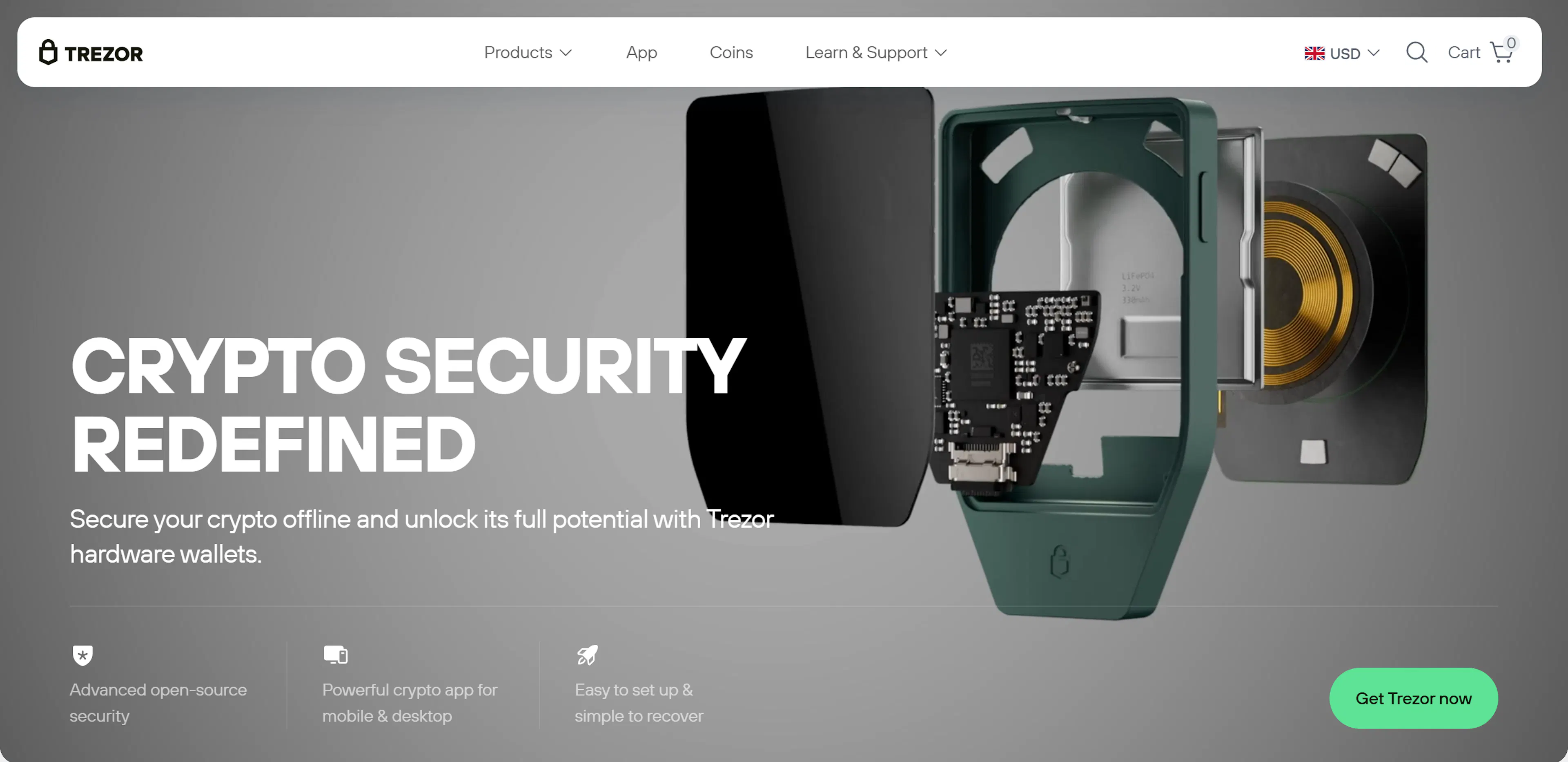
Trezor Suite: A Complete Guide to Managing Your Cryptocurrency
Introduction to Trezor Suite
Trezor Suite is the companion application designed to help users manage supported cryptocurrencies with a Trezor hardware wallet. It provides an interface for viewing account balances, checking transaction history, receiving digital assets, and sending cryptocurrency.
Whether you are setting up a hardware wallet for the first time or managing existing accounts, Trezor Suite brings important wallet-management features together in one place. Its interface is designed to make everyday cryptocurrency activities easier while keeping private keys protected by the connected hardware wallet.
What Is Trezor Suite?
Trezor Suite is wallet-management software developed for use with compatible Trezor devices. It connects the hardware wallet to supported computer or mobile environments, depending on the available version and device compatibility.
The application helps users access supported cryptocurrency accounts and review portfolio information. Sensitive operations, such as approving transactions, require interaction with the hardware wallet.
Trezor Suite is not a replacement for the physical device. Instead, it provides the interface through which users can manage supported wallet functions.
Key Features of Trezor Suite
1. Cryptocurrency Portfolio Overview
Trezor Suite provides an overview of supported cryptocurrency accounts and their balances. Users can review their holdings and monitor changes in portfolio value through the application.
2. Send and Receive Transactions
Users can create cryptocurrency transactions and generate receiving information for supported assets. Before approving a transaction, always verify the destination address and transaction details on the hardware wallet's screen.
3. Account Management
The application helps organize supported cryptocurrency accounts. Users can review account activity, check transaction records, and access available account options.
4. Hardware Wallet Integration
Trezor Suite works with compatible Trezor hardware wallets. The device protects private keys, while the application provides an interface for accessing wallet features.
5. Security and Privacy Features
Trezor Suite includes security-related options that may vary by device and software version. Users should review the available settings and follow official guidance when configuring their wallets.
How to Get Started With Trezor Suite
Step 1: Visit the Official Website
Open the official Trezor website and navigate to its Trezor Suite download or setup section. Check the website address carefully before downloading software.
Step 2: Download the Compatible Application
Choose the available version that matches your operating system and device. Download it directly from the official source rather than an unfamiliar third-party website.
Step 3: Install Trezor Suite
Open the downloaded installer and follow the instructions displayed on your computer. Wait until the installation process is complete.
Step 4: Connect Your Hardware Wallet
Connect your compatible Trezor device using a suitable USB cable. Follow the prompts in Trezor Suite to establish the connection.
Step 5: Access Your Wallet
Complete the device-specific verification or setup instructions. Once connected, you can explore supported accounts and available wallet-management features.
Essential Security Tips
Protecting your cryptocurrency requires careful attention to security. Keep your recovery seed private and store it offline in a secure location. Never share it with another person or enter it into an unfamiliar website, application, or online form.
Download Trezor Suite only from the official Trezor website. Keep your software updated, use a trusted computer, and carefully check transaction information on your hardware wallet before approving it.
Be cautious of fake websites, unsolicited support messages, and applications that imitate official Trezor products.
Common Trezor Suite Questions
Is Trezor Suite free to use?
Trezor Suite is provided as companion wallet software. Some third-party services or network transactions may involve separate fees.
Can I use Trezor Suite without a Trezor device?
Some information or features may be accessible without connecting a device, but hardware-wallet functions require a compatible Trezor device.
Does Trezor Suite store my recovery seed?
Your recovery seed is intended to remain securely under your control. Never share it or enter it into websites claiming to provide support.
Where can I download Trezor Suite?
Download the application through the official Trezor website to reduce the risk of installing modified or fraudulent software.
Conclusion
Trezor Suite provides a convenient way to access and manage supported cryptocurrency accounts through a compatible Trezor hardware wallet. Its portfolio overview, transaction tools, and account-management features help simplify everyday wallet activities. By using official downloads and following recommended security practices, users can manage their digital assets with greater confidence.