Trezor®®® Suite | Official Desktop & Web App for Trezor®®
Use Trezor Suite to manage supported cryptocurrency accounts, monitor wallet balances, review transaction history, and track your digital asset portfolio.
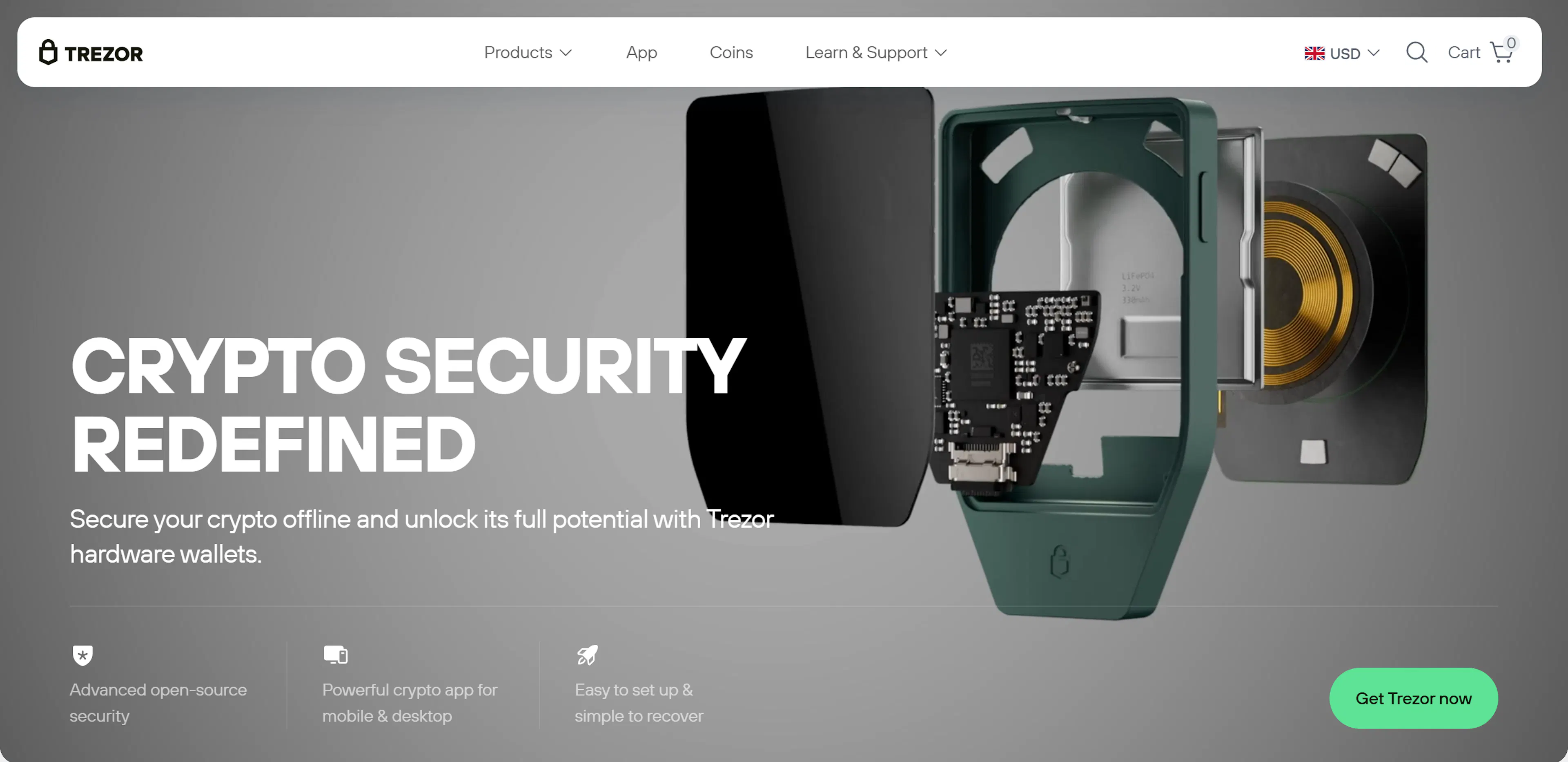
Trezor Suite: Complete Guide to Managing Your Cryptocurrency Securely
Introduction to Trezor Suite
Trezor Suite is a companion application designed to help users manage supported cryptocurrencies through a compatible Trezor hardware wallet. It provides an interface for viewing account balances, checking transaction activity, receiving digital assets, and sending cryptocurrency while keeping private keys protected by the hardware device.
Whether you are new to cryptocurrency or already familiar with hardware wallets, understanding how Trezor Suite works can make everyday wallet management easier. The application brings essential account tools together in one place and helps users interact with their digital assets.
What Is Trezor Suite?
Trezor Suite is software developed for use with Trezor hardware wallets. It connects the wallet device to a computer or supported mobile environment, depending on the device and available software version.
The application allows users to review their cryptocurrency accounts and manage supported transactions. Important operations may require confirmation directly on the connected hardware wallet. This provides an additional security step because transaction details can be checked on the device before approval.
Trezor Suite is not an exchange or a place to store your recovery phrase. It is a management interface that works alongside compatible hardware.
Key Features of Trezor Suite
Portfolio Overview
The dashboard helps users review supported cryptocurrency accounts and available balances. Depending on the assets and services enabled, users may also see portfolio information and account activity.
Send and Receive Cryptocurrency
Trezor Suite provides tools for sending and receiving supported digital assets. Users can generate receiving addresses, review transaction details, and confirm outgoing transactions using their hardware wallet when required.
Transaction History
Account activity can be reviewed through the application. Transaction information helps users follow previous transfers and understand changes to their wallet balances.
Account Management
Users can organize supported cryptocurrency accounts and access relevant wallet options from one interface. Available account features depend on the device, asset, network, and software version.
Device and Security Settings
Trezor Suite provides access to compatible device-management options. Users may be able to review device information, manage supported settings, and follow available firmware update instructions.
How to Get Started With Trezor Suite
Setting up Trezor Suite involves a few basic steps:
- Visit the Official Website: Open the official Trezor website and navigate to its software download or setup section.
- Choose the Compatible Version: Select the version suitable for your operating system and device.
- Install the Application: Follow the installation instructions provided by Trezor.
- Connect Your Hardware Wallet: Use a compatible USB cable or supported connection method.
- Follow the On-Screen Instructions: Allow the application to recognize your device and complete any required setup steps.
- Review Your Accounts: Once connected, explore the supported account and portfolio features.
Always verify that you are using genuine Trezor software downloaded from the official website.
Why Use Trezor Suite?
Managing cryptocurrency through a dedicated companion application can make wallet operations more organized. Trezor Suite brings account information, transaction tools, and supported device settings into a single interface.
Its integration with compatible hardware wallets also allows users to confirm important actions on their physical device. This helps keep transaction approval separate from ordinary activity on a computer.
For users managing multiple supported assets, the application can provide a convenient way to review account information without relying on several unrelated tools.
Important Security Tips
Protecting your cryptocurrency requires careful security habits:
- Download Trezor Suite only from the official Trezor website.
- Never share your recovery seed with another person.
- Never enter your recovery phrase into a website, email, chat, or ordinary computer application.
- Keep your recovery backup private and stored securely offline.
- Check receiving addresses and transaction details on your hardware wallet display.
- Do not approve transactions you did not initiate.
- Keep your computer and wallet software updated using official instructions.
- Be cautious of fake support accounts, sponsored search results, and websites impersonating Trezor.
Your recovery phrase gives access to your wallet. Genuine support representatives do not need it to troubleshoot a device or application.
Common Trezor Suite Problems and Solutions
Device Not Detected: Check the USB connection, try another compatible cable or port, and reconnect your hardware wallet.
Application Not Opening: Confirm that your operating system meets the software requirements and that you installed the application from the official source.
Account Information Not Updating: Check your internet connection and allow the application to refresh. Network or service interruptions can sometimes delay displayed information.
Transaction Not Confirming: Review the transaction status, network conditions, and fee information. Avoid submitting repeated transactions without checking whether the original transaction is pending.
If a problem continues, consult Trezor's official support documentation.
Frequently Asked Questions
Is Trezor Suite free to use?
Trezor Suite is provided as companion software for compatible Trezor hardware wallets. Some integrated third-party services may have separate fees or conditions.
Can I use Trezor Suite without a hardware wallet?
Some information or application features may be viewable, but full hardware-wallet management requires a compatible Trezor device.
Does Trezor Suite support every cryptocurrency?
No. Supported assets and networks depend on the hardware wallet model and current software capabilities.
Is Trezor Suite the same as a cryptocurrency exchange?
No. It is a wallet-management application, not a traditional cryptocurrency exchange.
Conclusion
Trezor Suite provides a convenient interface for managing supported cryptocurrency accounts with a compatible Trezor hardware wallet. Its portfolio overview, transaction tools, account management options, and device features help users organize everyday wallet activity.
For a safer experience, always obtain the application from the official Trezor website, verify transaction details on your hardware device, and protect your recovery phrase. Taking these precautions can help you manage digital assets with greater confidence.
This article is independent educational content and is not an official Trezor publication. Product features and availability may change.